
Apple Wants Your New Mac Mini to Work as an AI Agent 24/7 — But Which One Should You Buy?

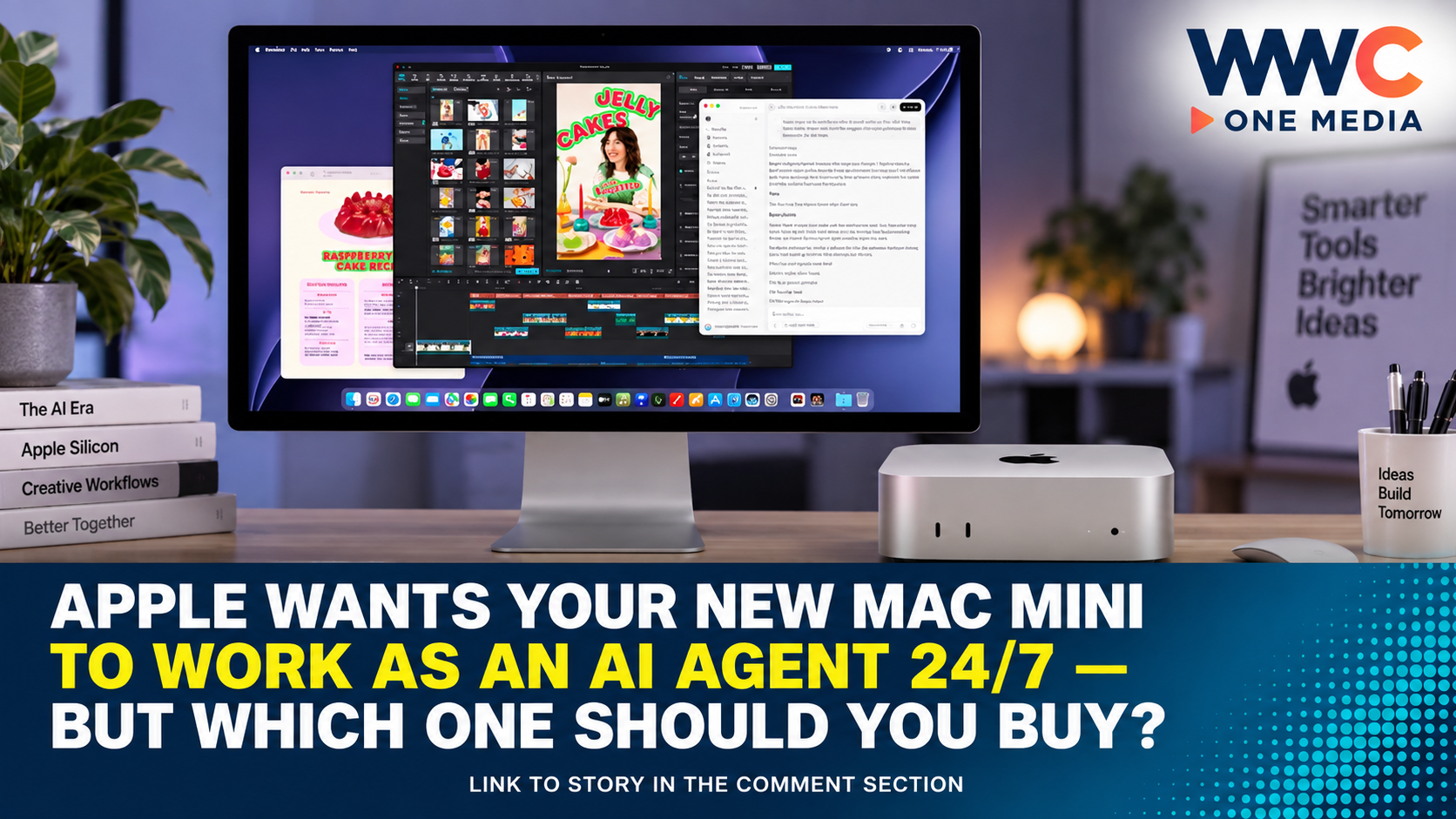
CUPERTINO — Apple wants the humble Mac mini to do more than sit quietly on your desk. It wants the tiny computer to become your AI assistant — working for you around the clock.
The new Mac mini, powered by Apple's M6 and M5 Pro chips, is being positioned not just as a compact desktop for everyday work, but as a machine capable of running AI models and automated agents continuously.
That means your Mac mini could potentially handle tasks while you sleep.
It could sort files.
Search documents.
Transcribe meetings.
Run coding jobs.
Monitor workflows.
Process information.
And perform other repetitive tasks without needing to rely entirely on cloud-based AI services.
But there is one big question:
Which Mac mini actually makes sense for AI?
Because while Apple's marketing makes "always-on agentic computing" sound futuristic, not everyone needs the most expensive model.
Apple Is Giving the Mac Mini a New Job
Apple unveiled its latest Mac mini lineup in August 2026, introducing models powered by the M6 and M5 Pro chips.
The company says the M6 Mac mini delivers major improvements in AI performance, while the more powerful M5 Pro version is designed for demanding workloads, including larger local AI models.
Apple is now openly promoting the Mac mini as an ideal machine for always-on AI agents.
In simple terms, that means software powered by AI that can run continuously and carry out defined tasks with less direct human involvement.
Instead of opening ChatGPT, typing a question and waiting for an answer, an AI agent could potentially perform a sequence of tasks on your behalf.
For example:
- Monitor specific folders
- Organise documents
- Search and summarise files
- Transcribe audio
- Run routine coding tasks
- Process screenshots and images
- Automate repetitive workflows
- Act as a private local AI assistant
And because the Mac mini is small and power-efficient, it can remain switched on without occupying much space.
But Local AI Is Not the Same as ChatGPT
This is where things can become confusing.
The AI models you run locally on a Mac mini are generally not the same giant frontier models powering the most advanced versions of ChatGPT, Claude or Gemini.
Those systems typically run on enormous data centres packed with powerful hardware.
A Mac mini, no matter how capable, cannot simply download and run the full-scale frontier model powering the most advanced cloud AI services.
Instead, users can run smaller open-weight AI models locally.
These models can still be extremely useful.
Depending on their size and configuration, they can handle:
- Writing
- Summarisation
- Coding
- Document analysis
- Image and screenshot understanding
- File searches
- Transcription
- Structured automation
- AI agent workflows
The advantage is that your data can remain on your own machine.
You may also avoid paying additional cloud usage fees for certain workloads.
The downside?
Local AI performance depends heavily on the model you choose — and, most importantly, how much memory your Mac mini has available.
The M6 Mac Mini: Best for Most People
For most users interested in experimenting with local AI, the M6 Mac mini is likely the sensible starting point.
Apple says the M6 brings Neural Accelerators to every GPU core and delivers significantly improved AI performance compared with previous generations.
According to Apple, the new Mac mini can handle everything from everyday productivity to agentic AI workflows.
That makes it suitable for users who want a dedicated machine for tasks such as:
- Running a personal AI assistant
- Searching local files
- Summarising documents
- Basic AI automation
- Running smaller language models
- Transcribing meetings
- Processing routine workflows
- Experimenting with AI agents
The M6 is particularly attractive because it could offer a lower barrier to entry for people who want to explore local AI without building a powerful PC or setting up a complicated server.
But memory matters.
A basic configuration may be sufficient for smaller AI models and simpler automation.
Users planning to run more sophisticated models or multiple AI services simultaneously should strongly consider more unified memory.
The M5 Pro: For Serious AI Users and Developers
The M5 Pro Mac mini is where things become much more interesting for developers and advanced users.
Apple says the M5 Pro supports up to 64GB of unified memory and provides memory bandwidth of up to 307GB/s.
That extra memory is crucial.
When running AI models locally, memory can often be more important than simply having a faster processor.
Larger models require more space.
More complex tasks require more space.
And running multiple workflows simultaneously can quickly consume available memory.
The M5 Pro is therefore better suited for:
- Larger local AI models
- Coding agents
- Software development
- Complex document analysis
- Advanced automation
- Image and video AI workloads
- Research datasets
- Running several AI workflows
- More demanding agent systems
Apple also includes Thunderbolt 5 support on the M5 Pro model, adding faster connectivity for professional workflows.
For users seriously considering a Mac mini as a dedicated AI machine rather than just a regular desktop, the M5 Pro may provide much more room to grow.
Why Memory Could Matter More Than the Chip
This may be the most important thing to understand before buying a Mac mini for AI.
Do not focus only on M6 versus M5 Pro. Look carefully at unified memory.
AI models need memory to load and operate.
Smaller models can run with relatively modest memory.
Larger and more capable models require significantly more.
According to the AsiaOne analysis, around 16GB of memory can support a useful everyday local AI assistant and basic agent tasks.
Around 64GB, users can begin running significantly larger and more capable models.
But some near-frontier open-weight AI models can require hundreds of gigabytes — or even more than a terabyte — of memory.
That means there is no single Mac mini that can run every powerful AI model available.
The best machine depends on what you actually want the AI to do.
What Can an Always-On AI Agent Actually Do?
The phrase "AI agent" can sound like science fiction.
In reality, many useful AI agents perform relatively simple but repetitive tasks.
Imagine a Mac mini running continuously at home or in an office.
You could potentially configure an AI workflow to:
Organise your files
Automatically review documents and sort them into categories.
Search your personal information
Find information across documents, notes and local files.
Process documents
Summarise reports, extract key information and organise research.
Transcribe audio
Turn meetings, interviews and recordings into searchable text.
Help with coding
Review code, generate routine functions and assist with software projects.
Run automated workflows
Monitor specific inputs and perform predefined actions.
Keep sensitive data local
Process certain information without uploading everything to a cloud service.
This is one reason local AI is attracting increasing attention.
The most powerful AI model is not always necessary.
For repetitive, narrow and well-defined tasks, a smaller local model may be fast enough — and potentially more private and predictable.
Can You Really Leave a Mac Mini Running 24/7?
Yes — and this is one of the biggest reasons Apple is promoting the Mac mini for always-on computing.
The Mac mini is compact, quiet and designed for efficient operation.
That makes it attractive as a dedicated machine for services that need to remain available.
Unlike a laptop, there is no battery to worry about.
Unlike a large workstation, it does not require a huge amount of desk space.
And compared with many powerful desktop PCs, Apple Silicon is known for its performance-per-watt efficiency.
However, users planning to run intensive AI workloads continuously should still consider:
- Heat and ventilation
- Storage requirements
- Memory configuration
- Network reliability
- Backup systems
- Software security
- Electricity costs
Running an AI agent 24 hours a day also means giving software continuous access to information and, potentially, the ability to perform automated actions.
That makes security and permissions extremely important.
Apple Is Also Thinking About Mac Mini Clusters
One of the more interesting possibilities involves connecting multiple Mac minis.
Apple is promoting the M5 Pro's high-speed connectivity for setups where multiple Mac minis can potentially work together.
This could allow advanced users and organisations to build larger local AI systems without relying entirely on a traditional server.
The concept is particularly interesting for:
- AI research
- Software development
- Private AI systems
- Large datasets
- More demanding models
- Business automation
However, this is firmly in enthusiast and professional territory.
Most consumers do not need several Mac minis sitting on a network to ask an AI assistant to organise their files.
Still, the fact that Apple is openly discussing these use cases shows how seriously the company is taking the shift towards local and agentic AI.
So, Which Mac Mini Should You Actually Buy?
Here is the simple answer.
🟢 Choose the M6 Mac Mini if:
You want to experiment with AI.
You want a personal local assistant.
You want to automate simple workflows.
You mainly need document searches, summaries or transcription.
You are running smaller AI models.
You want the most practical entry point.
Best for: Most users.
🔵 Choose the M5 Pro Mac Mini if:
You are a developer.
You want to run larger AI models.
You need more memory.
You are building coding agents.
You plan to run several AI services.
You want more long-term headroom.
You use demanding creative or professional software.
Best for: Developers, AI enthusiasts and power users.
🟣 Consider a Mac Studio if:
Your AI workload requires significantly more memory than a Mac mini can provide.
You need to run much larger models locally.
You are working with large datasets.
You require workstation-level performance.
You are running demanding AI, video or scientific workloads.
Best for: Professionals with serious AI requirements.
The Real Question Isn't 'How Powerful?' — It's 'What Will Your AI Do?'
Apple's new AI-focused Mac mini strategy comes at an important moment.
The technology industry is moving beyond simple chatbots.
The next wave is increasingly focused on AI systems that can:
Observe.
Analyse.
Plan.
And perform tasks.
But that does not mean everyone needs a supercomputer.
A basic AI agent that sorts files or summarises documents does not need the same hardware as a coding system managing large software projects.
For most people, the M6 Mac mini will likely be the better starting point.
For developers and users who know they need larger models and more demanding workflows, the M5 Pro offers significantly more breathing room.
And for everyone else?
The smartest move may be to ask one simple question before spending thousands:
What do I actually want my AI agent to do while I'm not sitting in front of my computer?
Because Apple's tiny Mac mini may be getting a much bigger job.
It could soon become the quietest employee in your home or office — working 24 hours a day, without taking up more than a corner of your desk.
WWC ONE MEDIA J.M.D